
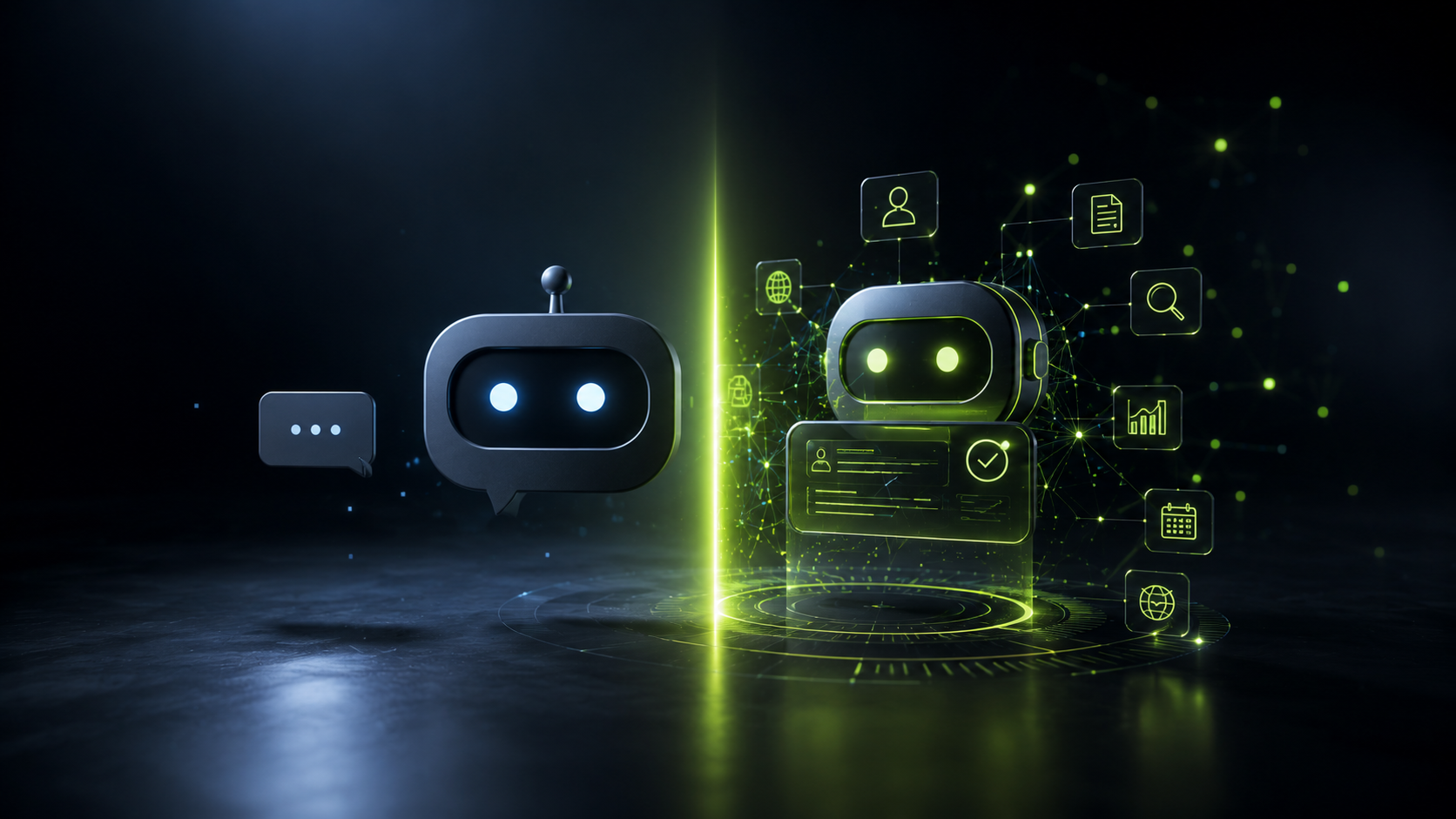
Chatbots vs AI Agents in Customer Support: What Makes Sense in 2026
By 2026, most companies have tried “some kind of AI” in customer support: a chatbot on the website, an assistant on WhatsApp, automated replies on social channels.
Yet many experiences are still poor:
- bots that don’t understand the question
- customers stuck in endless menus
- teams who feel the system creates more work than it saves
At the same time, AI agents are starting to appear, promising to go far beyond the traditional chatbot.
In this guide we’ll look — without hype — at:
- what a chatbot really is and what it can (and can’t) do
- what an AI agent is and how it differs
- concrete customer support use cases
- when a chatbot is enough, when you need an agent, and when to combine both
- how to implement them without ruining the customer experience
1. What a chatbot really is
A chatbot is a system that replies to user messages following rules or relatively constrained flows.
It can be more or less “smart”, but essentially:
- it responds within a scripted flow (FAQs, predefined trees)
- it doesn’t make complex decisions on its own
- it is usually connected to one or two data sources (FAQ, knowledge base, CMS)
A good modern chatbot (LLM-based) is very useful for:
- answering frequently asked questions 24/7
- handling first-line support
- filtering queries that don’t need a human
- routing to the right channel (ticket, call, email)
But its main job is still to answer, not to execute multi-step business processes end to end.
2. What an AI agent is
An AI agent is something else.
Beyond conversation, an agent can:
- reason about the user’s situation and context
- connect to your systems (CRM, ERP, payment gateway, internal tools)
- plan several steps and execute them in sequence
- update data and leave tasks finished, not just suggested
Put simply:
a chatbot replies; an agent does the work.
Customer support example:
- a chatbot can explain how to change a plan
- an AI agent can log into your systems, verify identity, change the plan, send confirmation to the customer, and record the interaction in the CRM
We dive deeper into this in our article on AI agents for business.
3. Quick comparison: chatbot vs AI agent
| Feature | Chatbot | AI agent |
|---|---|---|
| Main goal | Answer questions | Resolve complete tasks |
| Logic | Flows and rules | Reasoning + planning |
| System access | Limited (FAQ, CMS) | Broad (CRM, ERP, APIs, email…) |
| Task complexity | Low / medium | Medium / high |
| Human involvement | Frequent | Lower (with oversight) |
| Best for | First-line support | Multi-step, personalized processes |
They’re not enemies — they’re complementary. A chatbot can filter and classify; an agent can take over where it makes sense to automate actions.
4. Customer support use cases
4.1. What a chatbot does well
- Typical FAQs: opening hours, standard pricing, shipping and returns policies.
- Simple order status: when it can read from a straightforward API.
- Quick triage: “Would you like to speak with sales, technical support, or billing?”.
- Initial data capture: name, email, order number.
Ideal when:
- most queries are repetitive
- error tolerance is low
- you don’t want the system to touch critical data
4.2. What an AI agent does well
- Handling complex incidents: reviewing the customer’s history, checking previous tickets, making decisions according to your policies.
- Automating account changes: upgrading/downgrading plans, pausing services, reissuing invoices.
- Post-sale follow-up: checking whether an issue was resolved and reopening the case if needed.
- Internal support for your own team: helping human agents find information and prepare answers.
Ideal when:
- processes are well defined but currently manual
- they involve multiple systems (CRM, billing, logistics, etc.)
- the volume and cost per interaction justify automation
5. How to choose for your company: clear criteria
5.1. Volume and type of queries
- If 70–80% of what you receive are repeated questions, a well-designed chatbot (classic or LLM-based) is usually enough as a first step.
- If many queries require looking at customer data and making decisions, an AI agent starts to make sense.
5.2. Process maturity
- If you’re not yet clear on how each type of case should be resolved, it’s too early for an agent: first you need to tidy up the process.
- If you already have clear playbooks (“if A happens, we do B; otherwise C”), an agent can automate them.
5.3. Technical infrastructure
- A basic chatbot can live on top of your website/help center.
- An AI agent needs APIs, controlled access to systems, and solid data governance.
If your technical base is weak (no APIs, duplicated data, tools that don’t talk to each other), the first step is usually to improve your digital operations, not to “add AI” for its own sake.
6. How to implement without damaging the customer experience
6.1. Start small and measurable
- Choose one concrete process (for example: order tracking or billing questions).
- Define clear metrics: response time, automation rate, satisfaction.
6.2. Design the handoff between bot, AI agent and humans
- The chatbot can filter and classify.
- The AI agent can resolve standard cases with access to systems.
- Human agents handle special, sensitive, or high-value cases.
The key is that customers always have a way to reach a person when they need to.
6.3. Supervise and train
- Review real interactions.
- Refine flows, responses and the agent’s boundaries.
- Document what the AI can and cannot do.
Automation is not “set and forget” — it’s a continuous process.
7. What fits your company today
In short:
-
Chatbot if:
- you want 24/7 answers to common questions
- your team is overwhelmed with basic queries
- the processes behind support are still not very mature
-
AI agent if:
- you already have digital systems (CRM, billing, etc.) with APIs
- your support processes are clear and documented
- you want the AI to not only answer, but take action
In many cases, the best path is to start with a solid chatbot, tidy up processes, and then add AI agents where they deliver the most return.
Conclusion
Chatbots will remain a useful part of customer support, but in 2026 the real competitive edge appears when companies connect AI deeply to their systems and processes.
A well-designed support model combines:
- chatbots that filter and answer simple questions
- AI agents that execute complete processes
- humans who make the important decisions
At ZABU Operations, we help companies design and implement this model:
- analysis of your real support processes
- definition of what to automate and what not to
- integration with your systems (CRM, ERP, internal platforms)
- deployment and ongoing support in production
If you’re considering improving customer support with AI — without losing the human touch — we can review your case and propose a realistic plan 👉 Contact