
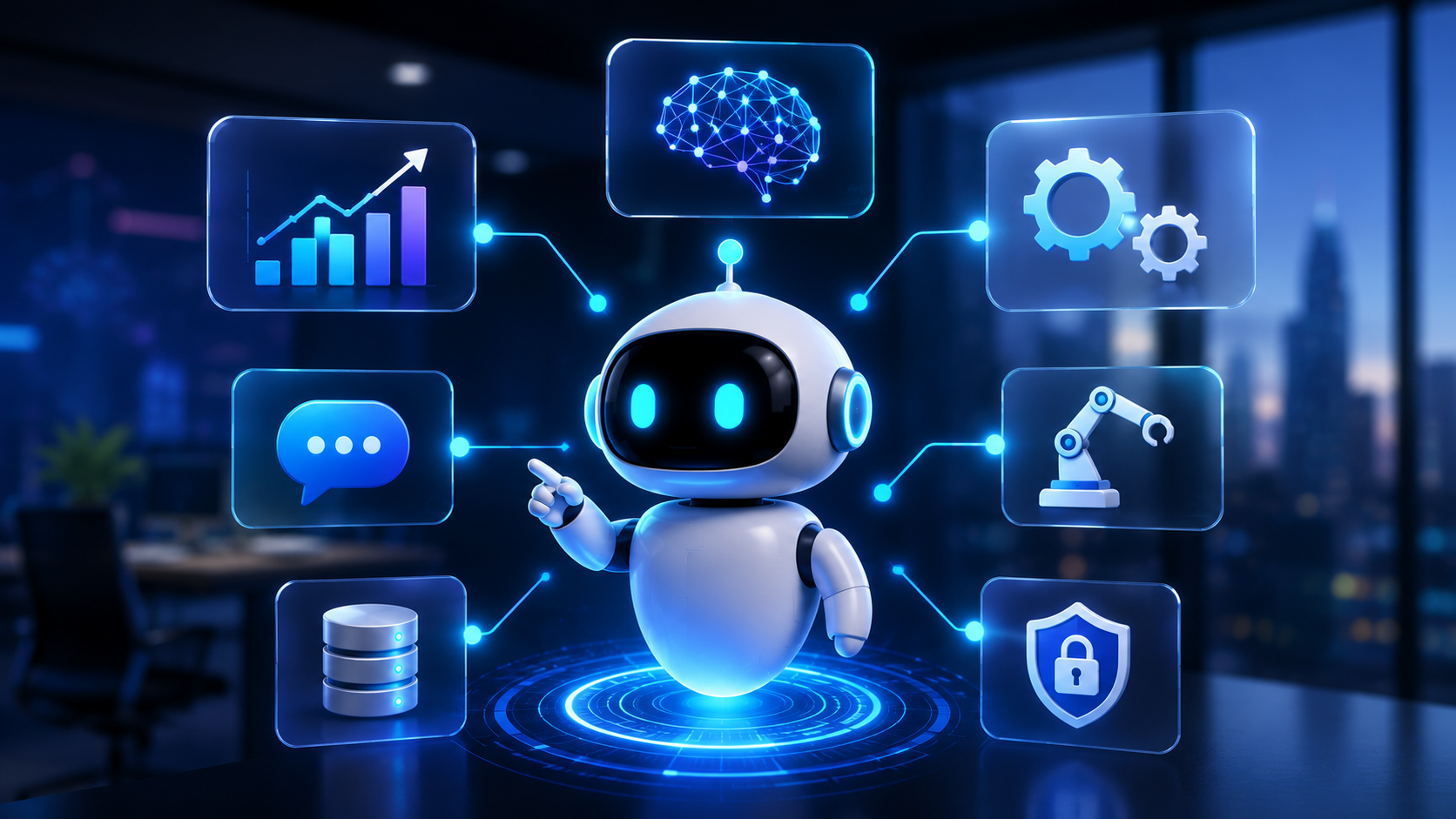
An AI agent is an artificial intelligence system that can reason, make decisions, and carry out multi-step tasks on its own by connecting to your company's tools and data to achieve a goal. Unlike a chatbot, which answers a question, an agent solves the whole problem: it plans, acts across your systems, and closes the loop without constant manual input.
2026 is shaping up to be the year AI agents moved from demo to real operation. This guide covers what they are, how they work, how they differ from a chatbot, their most productive use cases, when they make sense — and when they don't — and how to get started safely.
ZABU Operations is a web engineering company specialized in custom software development, modern web applications, October CMS, automation, and applied artificial intelligence for digital operations.
Table of contents
- What is an AI agent?
- AI agent vs chatbot vs traditional automation
- How does an AI agent work?
- Real-world business use cases
- Business benefits
- When an AI agent makes sense (and when it doesn't)
- How to get started, step by step
- The role of a technical partner
- Conclusion
- Frequently asked questions
What is an AI agent?
An AI agent combines four elements that, together, set it apart from a traditional conversational assistant:
- A language model (LLM) that interprets instructions and reasons.
- Tools it can call (your CRM, your ERP, an API, a database, email).
- Memory to keep context across steps.
- Planning ability to execute several actions in sequence until it reaches a goal.
Put simply: a chatbot talks; an agent works. It doesn't just suggest what to do — it does it: pulls data, decides, acts on your systems, and delivers a result.
AI agent vs chatbot vs traditional automation
This is the most common source of confusion. The table below sums up the key differences:
| Feature | Traditional automation | Chatbot | AI agent |
|---|---|---|---|
| Logic | Fixed rules | Script / FAQ | Reasoning over context |
| Flexibility | Low | Medium | High |
| Actions | Predefined | Reply | Plan and execute multiple steps |
| System access | Limited | Minimal | Broad (CRM, ERP, APIs, data) |
| Human involvement | High | Medium | Low (with oversight) |
| Best for | Simple repetitive tasks | Frequent questions | Complex, multi-system processes |
Rule of thumb: use a chatbot for the easy 20% (typical questions) and an agent for the important 80% (the processes that currently eat up your team's time).
How does an AI agent work?
An agent solves a task through a perceive → reason → act → verify loop. A real sales-support example:
The customer sends a request
↓
The agent interprets the intent
↓
It checks the CRM and the catalog
↓
It decides the response and the action
↓
It generates the quote and creates the ticket
↓
It leaves the case ready (or escalates to a person)
One technical detail explains why 2026 is different: the rise of open standards for connecting models to external systems, such as Anthropic's Model Context Protocol (MCP), made it far simpler and safer for an agent to access a company's real tools. That turned agents from a promise into an applicable technology.
If you want to understand how AI is reshaping the broader field these systems come from, read our piece on why your business should rank in ChatGPT, not just Google.
Real-world business use cases
Agents are already in production in specific areas:
- Customer service: autonomous ticket resolution, post-sale follow-up, and smart escalation to a human when needed.
- Sales and marketing: lead capture and qualification, sales follow-up, and proposal drafting.
- Finance and operations: invoice matching, expense control, and report generation.
- Human resources: resume screening, interview scheduling, and onboarding.
- Internal support: an assistant connected to company documentation that answers and executes tasks.
- Supply chain: inventory optimization and demand forecasting.
All of these share a pattern: repetitive, multi-step processes connected to several systems. That's where an agent truly delivers.
Business benefits
- Fewer repetitive tasks: your team focuses on higher-value work.
- Faster operations: processes run in minutes, not days.
- Fewer errors: manual mistakes drop.
- 24/7 availability: the agent doesn't rest.
- Scalability: volume grows without a proportional increase in headcount.
The economic potential is significant: McKinsey estimates that generative AI and agents could add between $2.6 and $4.4 trillion annually in value to the global economy. But the real benefit doesn't come from "using AI" — it comes from integrating it well into specific processes.
When an AI agent makes sense (and when it doesn't)
Being honest here is what separates a successful project from a frustrating one.
An agent makes sense when:
- Repetitive tasks are consuming many hours.
- The process spans several systems that don't talk to each other today.
- Volume is high and growing.
- Response time matters.
It does NOT make sense (yet) when:
- The process is poorly defined: fix it first — don't automate the chaos.
- The task requires critical human judgment or direct legal responsibility.
- There's no quality data to feed the agent.
- The goal is to "add AI" without a clear business objective.
An agent amplifies a good process; it also amplifies a bad one. That's why upfront design is key — a principle we explore in depth when we talk about business process automation.
How to get started, step by step
- Identify a repetitive, costly process. Start with a single, measurable one.
- Fix the process before automating it. Map the real flow.
- Define the agent's goal and boundaries. What it can do alone and what it escalates to a person.
- Connect the systems (CRM, ERP, APIs) securely.
- Test small, with human oversight. Validate results before scaling.
- Measure and scale. Optimize with real data.
The most common mistake is trying to automate everything at once. The path that works is: one process, done well, then scale.
The role of a technical partner
Deploying an AI agent isn't "installing a tool" — it's engineering. It requires integrating systems, designing the flow, protecting data security, and maintaining the solution in production.
At ZABU Operations, we work as a technical partner: we analyze the real process, build the custom solution — combining software, automation, and artificial intelligence — and keep it running over time. We don't sell hype or "AI for the sake of it": we look for the case where technology delivers measurable value.
Conclusion
AI agents are the natural next step in business automation: systems that don't just respond, but reason, decide, and execute. In 2026 they stopped being a demo and became real operations, thanks to more accessible models and standards like MCP that connect them securely to company systems.
The key isn't adopting AI as a trend, but choosing the right process, designing it well, and scaling with judgment. The companies that do it first will gain an operational edge that's hard to catch up with.
Do you have a repetitive process eating up your team's hours? Let's talk. At zabu.dev we analyze your case and tell you, honestly, whether an AI agent is the best solution — and how to apply it.
Frequently asked questions
What's the difference between an AI agent and ChatGPT?
ChatGPT is great for one-off tasks where a person reviews the output before acting. An AI agent is designed for recurring, multi-system processes that run automatically — with oversight, but without a human at every step.
Do AI agents replace employees?
Generally no. They remove repetitive tasks so people can focus on higher-value work: judgment, customer relationships, and strategic decisions.
What do I need to deploy an AI agent?
A well-defined process, quality data, access to the systems involved (CRM, ERP, APIs), and a design that accounts for security and human oversight.
Is deploying AI agents expensive?
It depends on scope. The recommended approach is to start with a narrow, measurable process, so the investment is low and the return is validated before scaling.
Is it safe to give an AI agent access to my systems?
Yes, when it's designed correctly. Standards like the Model Context Protocol (MCP) and good permission and oversight practices let you connect agents to company systems in a controlled way.