
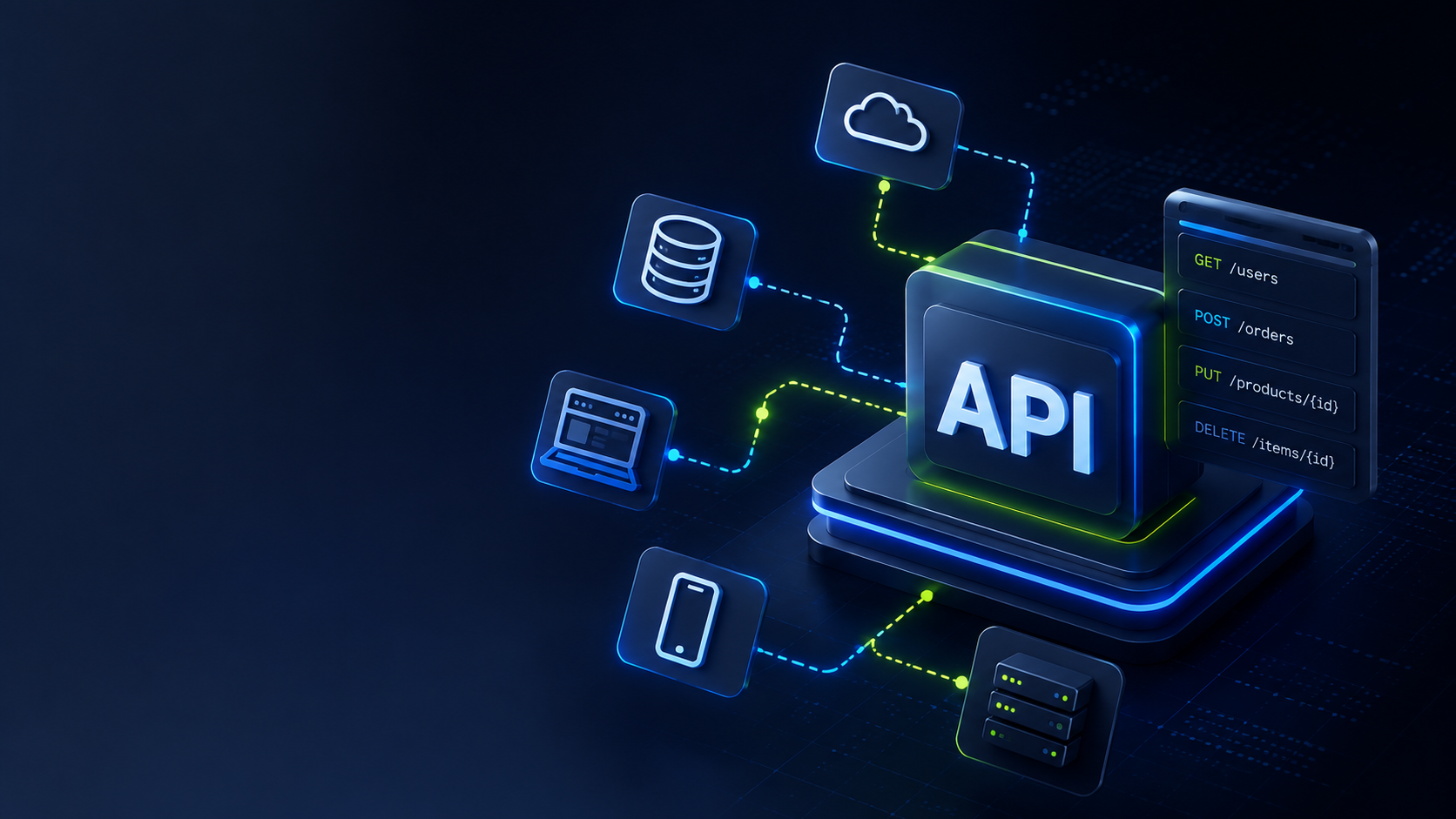
An API (Application Programming Interface) is the mechanism that lets two software systems talk to each other. It's the invisible bridge that allows your CRM to sync with your billing platform, your website to display live inventory, or your chatbot to pull customer data in real time — automatically, without anyone copying data by hand.
Reading time: ~6 minutes
Table of contents
- What is an API?
- What is a REST API?
- What is an API used for in business?
- Real-world examples of APIs you already use
- How does an API work? (no jargon)
- Public, private, and paid APIs: the differences
- Does your business need an API?
- Common mistakes when integrating via API
- FAQ
What is an API?
API stands for Application Programming Interface. The acronym isn't what matters — the function is: an API is a bridge that lets two software systems communicate.
Imagine your business has a CRM for managing customers and a separate billing platform. Without an API, someone has to manually copy data from one to the other. With an API, the two systems talk automatically: a customer signs a contract, and within seconds the invoice is generated — no human in the loop.
An API defines:
- What data one system can request from another
- How to request it (the format and structure of the call)
- What it will receive in return
What is a REST API?
REST (Representational State Transfer) is the most widely adopted design style for APIs today. When you hear "REST API" or "RESTful API," it means that API follows a set of conventions that make it predictable, efficient, and consistent to work with.
REST APIs operate over HTTP — the same protocol your browser uses to load websites. The difference is that instead of returning a webpage, they return structured data (typically in JSON format) that other systems can process directly.
Why REST and not something else? Because it's the de facto standard for modern web systems. Virtually every SaaS platform, marketplace, and application you use today exposes a REST API.
What is an API used for in business?
APIs allow the tools you already use to work together, instead of operating as disconnected silos. The most common business use cases:
| Use case | What the API does |
|---|---|
| CRM + ERP sync | When a new customer enters the CRM, the ERP is updated automatically |
| Payment processing | Your store connects to Stripe or PayPal to process payments in seconds |
| Automated notifications | Your system sends WhatsApp messages or emails without manual steps |
| Real-time data | Your website shows live inventory, pricing, or tracking status |
| AI integrations | Your platform connects to language models to automate repetitive tasks |
| Multichannel sales | You publish products on Amazon, your website, and your app from a single source |
In every case, the API is invisible to the end user — but it's what makes everything feel seamless.
Real-world examples of APIs you already use
You don't need to be a tech company to depend on APIs. You use them every day:
- "Sign in with Google" on any app → Google's authentication API
- An embedded map on a website → Google Maps API
- The weather on your phone → the app calls a weather data API
- Paying by card online → your payment processor's API
- A contact form that adds leads directly to your CRM → an integration API
How does an API work? (no jargon)
The basic flow has three parts: who asks, who answers, and the message traveling between them.
1. The client sends a request
A system — say, your website — tells the API: "I need the data for customer ID 123." This request goes to a specific address called an endpoint, something like https://api.zabu.es/customers/123.
2. The API processes and queries
The API receives the request, checks that you have permission to make it, and fetches the data from the corresponding system.
3. The API returns a response
The information comes back in milliseconds, in a structured format the requesting system understands and can display. All of this happens in fractions of a second — completely invisible to the end user.
Public, private, and paid APIs: the differences
Public API (open API) Available to any developer. Examples: OpenWeatherMap, the AEMET weather API, government open-data APIs. They typically have a free usage tier and paid plans for higher volume.
Private API Used only within the company or between its own systems. This is the most common type in custom software development: it integrates your internal business platforms securely, with no outside access.
Partner / paid API Available only to partners or paying customers who contract access. Common in finance, logistics, and healthcare. Usually includes guaranteed SLAs and priority support.
Most businesses need private APIs to connect internal systems, and third-party APIs to integrate with external services.
Does your business need an API?
There are clear signals that an API integration would save your team time and reduce costly errors:
✅ Your team manually copies data between systems
✅ You have duplicated information across multiple platforms
✅ You need your website or app to show real-time data
✅ You want to integrate AI tools into your workflows
✅ You manage orders, customers, or inventory in more than one place
✅ Your customers expect a seamless experience across channels
If two or more of those apply, an API can save hours of manual work per week and significantly reduce mistakes. We've covered how business process automation and AI agents both rely on this kind of integration under the hood.
Common mistakes when integrating via API
1. Weak authentication An unsecured API is an open door to your data. Every API must enforce authentication: OAuth 2.0, API tokens, or Basic Auth depending on the context and sensitivity of the data.
2. No error handling What happens when the third-party API goes down or responds slowly? A well-built integration anticipates this with retries, circuit breakers, alerts, and fallback responses.
3. No documentation If you build a custom API and don't document it, the next developer — or you in six months — will spend hours reverse-engineering how it works.
4. Overloading the API with unnecessary requests APIs have rate limits. Fetching data in real time when it could be cached every hour wastes resources and risks getting your access throttled or blocked.
5. Over-coupling systems If system A depends entirely on system B through the API, when B fails, A fails too. Good API architecture builds fault tolerance in from the start — don't design single points of failure.
Conclusion
An API isn't a concept reserved for developers. It's the invisible infrastructure that determines whether your digital tools work together or in silos. Understanding what an API is and what it does gives you the context to make better decisions about your company's software: when to integrate existing systems, when to build something custom, and when an off-the-shelf solution is enough.
At ZABU, we design and integrate APIs so our clients' systems communicate smoothly and securely — from simple point-to-point integrations to multi-platform architectures. If your business needs to connect systems or automate workflows via API, tell us your situation and we'll find the right approach.
FAQ
Do I need to know how to code to use an API? To use an API as an end user, no — most SaaS platforms offer no-code integration options (Zapier, Make, n8n). To build a custom integration or create your own API, you need a developer.
What's the difference between an API and a webhook? An API works on demand: your system asks a question and waits for an answer. A webhook is the reverse: another system notifies you automatically when something happens, without you having to ask. They're complementary patterns, often used together.
What is an API endpoint?
A specific URL that handles a particular type of request. For example, GET /customers returns all customers, while GET /customers/123 returns the data for a specific customer. Each endpoint maps to a distinct action or resource.
What is JSON? The most common format for exchanging data between APIs: structured text that both machines and humans can read. A JSON response from an API looks like a nested list of labeled values — readable without special tools.
How much does it cost to build an API? It depends on complexity: from a simple integration between two systems (a few days of development) to a full API platform with authentication, versioning, and documentation (weeks or months). Defining requirements clearly before starting is the most important cost driver.
Also worth reading: Custom Software vs Off-the-Shelf Solutions: Which Is Right for Your Business?